Getting Started
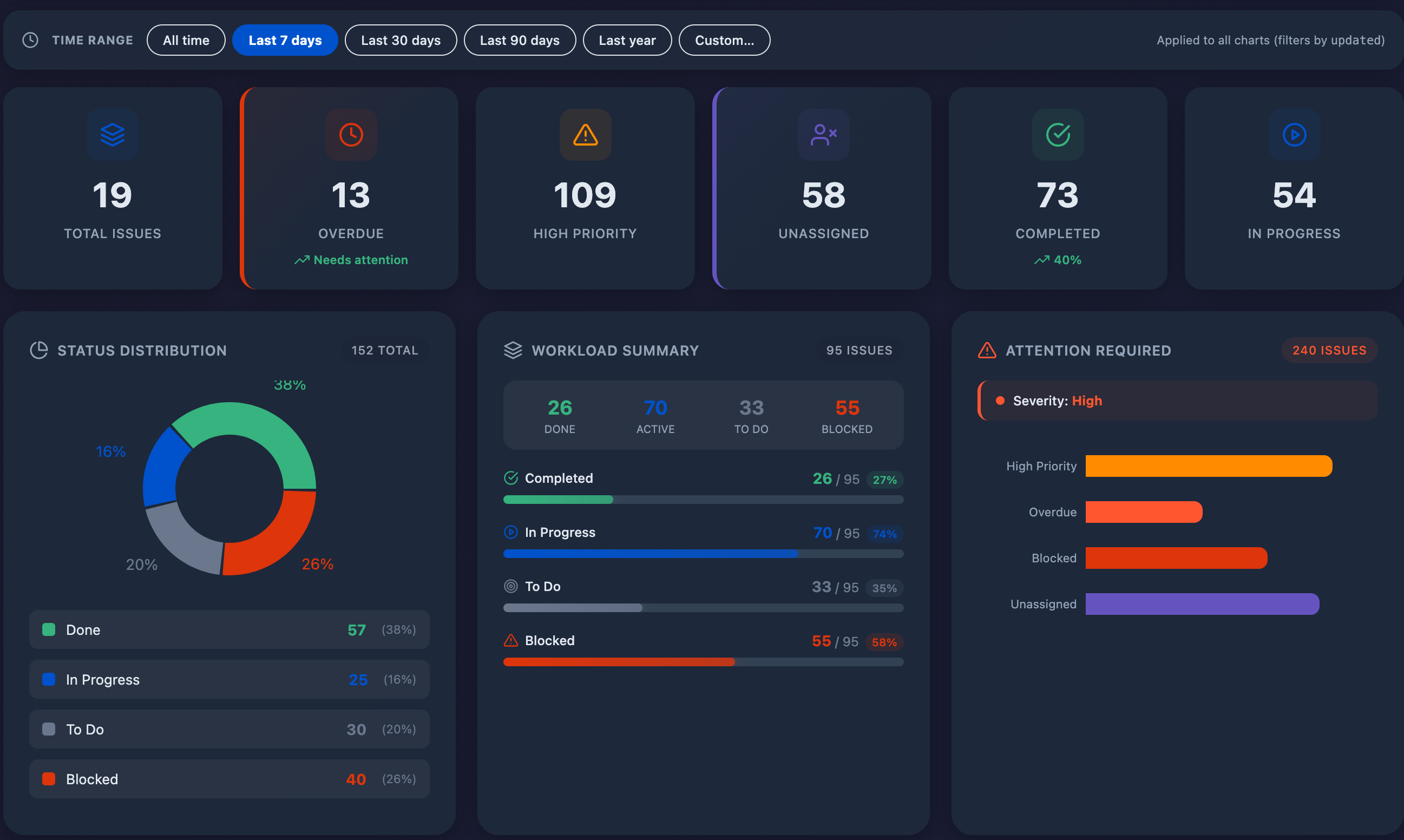
Dashboards Rich Filters is a premium dashboard gadget for Atlassian Jira Cloud that transforms your project data into beautiful, executive-ready visualizations.
Installation
From Atlassian Marketplace
- Go to Atlassian Marketplace
- Click "Get it now" or "Try it free"
- Select your Jira Cloud site
- Review and accept the permissions
- Click "Install"
Adding to Dashboard
- Navigate to any Jira Dashboard
- Click "Add gadget" in the top right
- Search for "Dashboards Rich Filters"
- Click "Add" to add it to your dashboard
Smart Filters
| Filter | Description |
|---|---|
| Projects | Filter by one or more Jira projects |
| Assignees | Filter by assigned team members |
| Priority | Filter by issue priority level |
| Status | Filter by workflow status |
Health Score Analytics
The Health Score provides an at-a-glance assessment of your project's overall health on a 0-100 scale.
| Factor | Weight | Description |
|---|---|---|
| Completion Rate | 40% | Percentage of issues marked as Done |
| Overdue Ratio | 25% | Issues past their due date |
| Blocked Issues | 20% | Issues in blocked status |
| Unassigned Tasks | 15% | Issues without an assignee |
Dashboard Types
Executive Dashboard
The main dashboard view with comprehensive KPIs, health score, and all visualization charts.
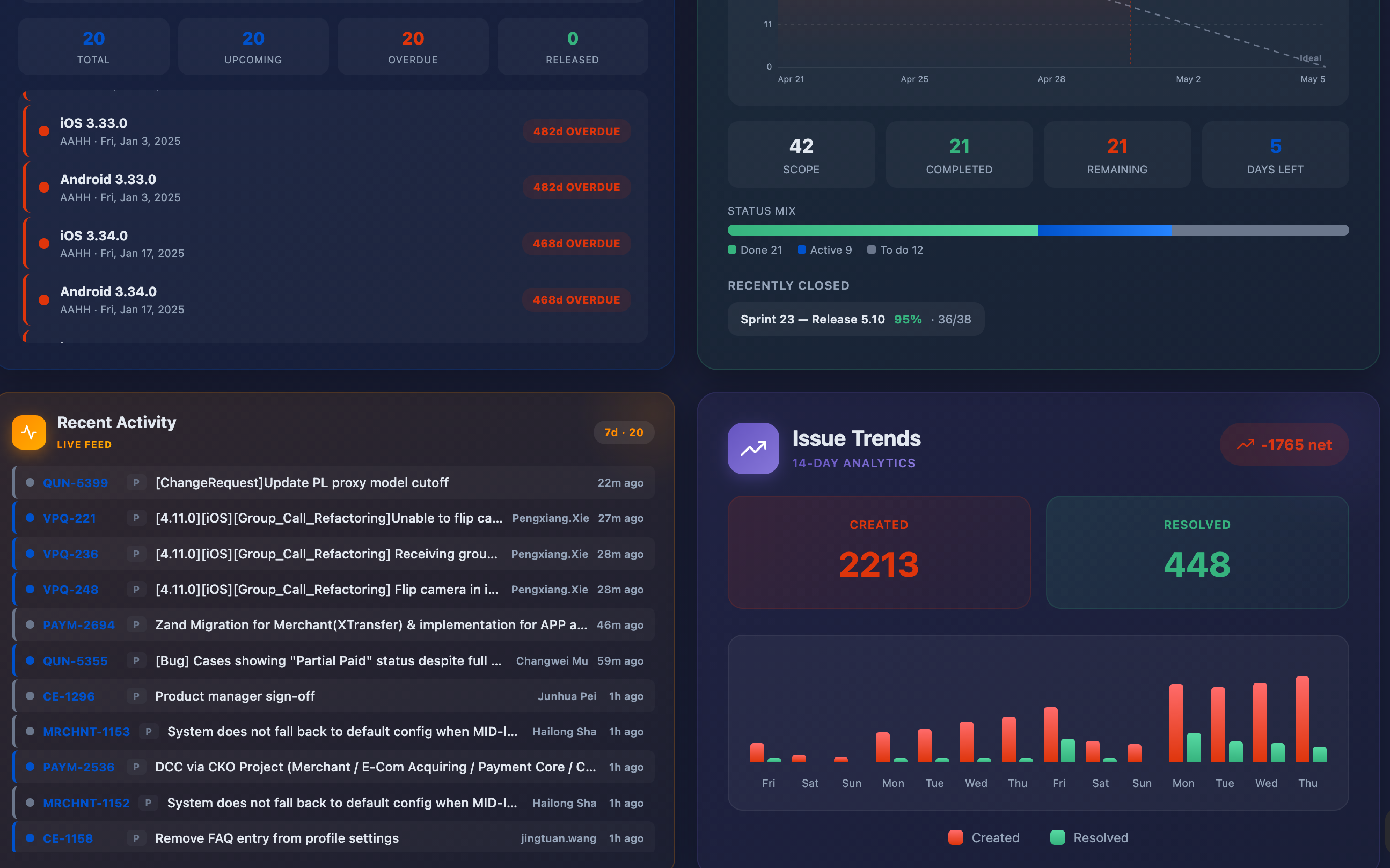
PMO Dashboard
Portfolio-level view for Project Management Office teams.
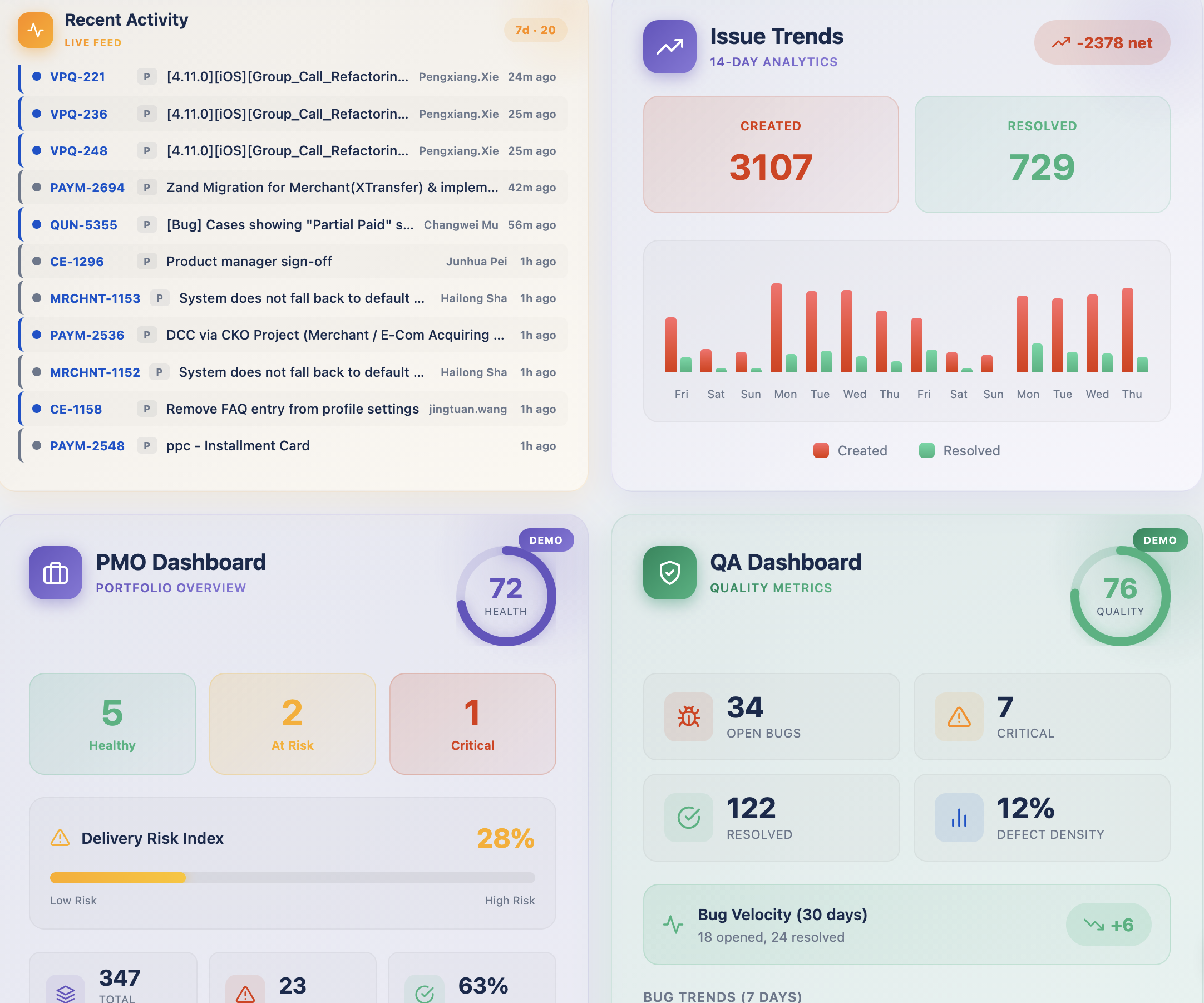
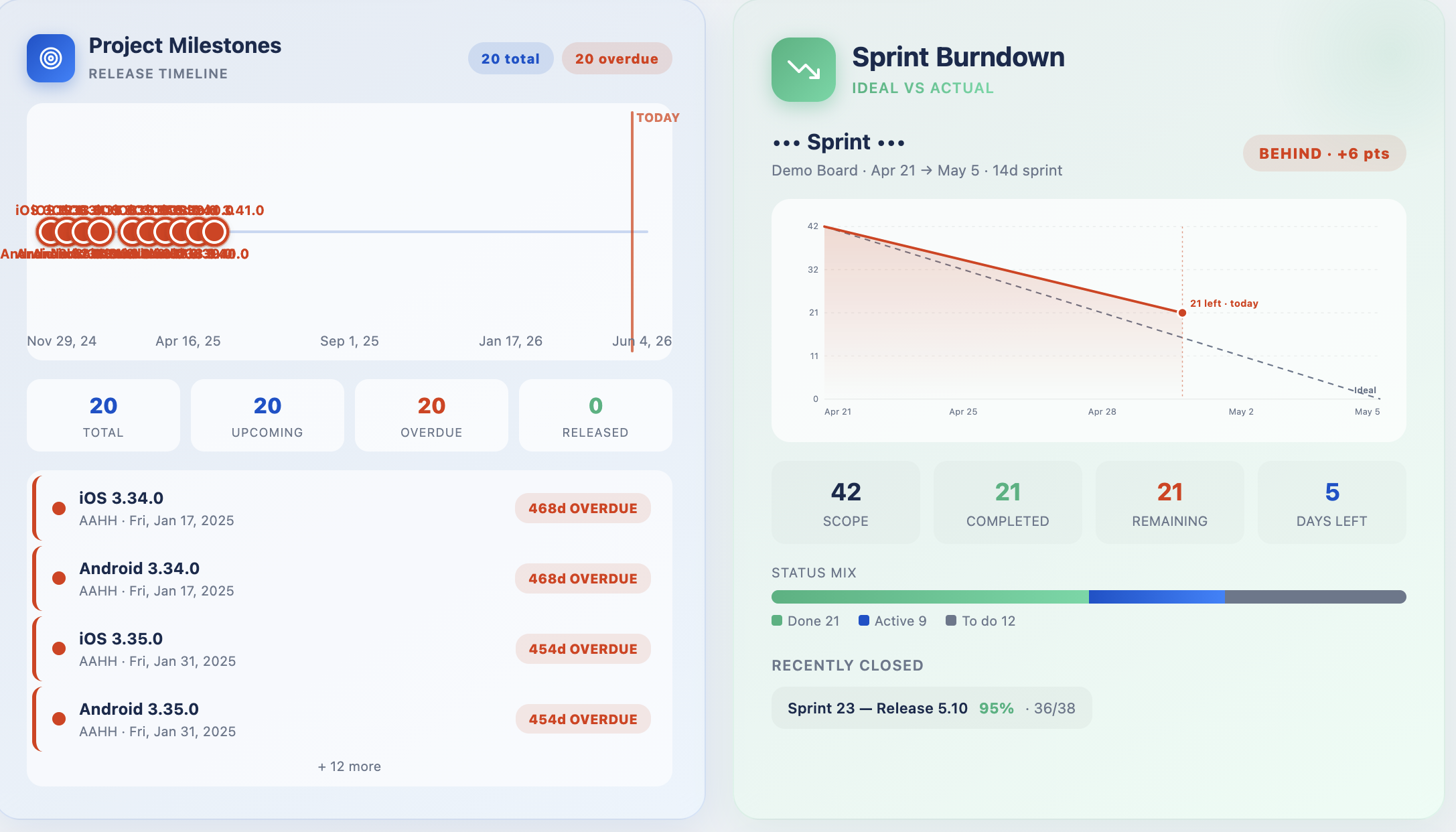
Project Milestones
Timeline visualization of project milestones and deliverables.
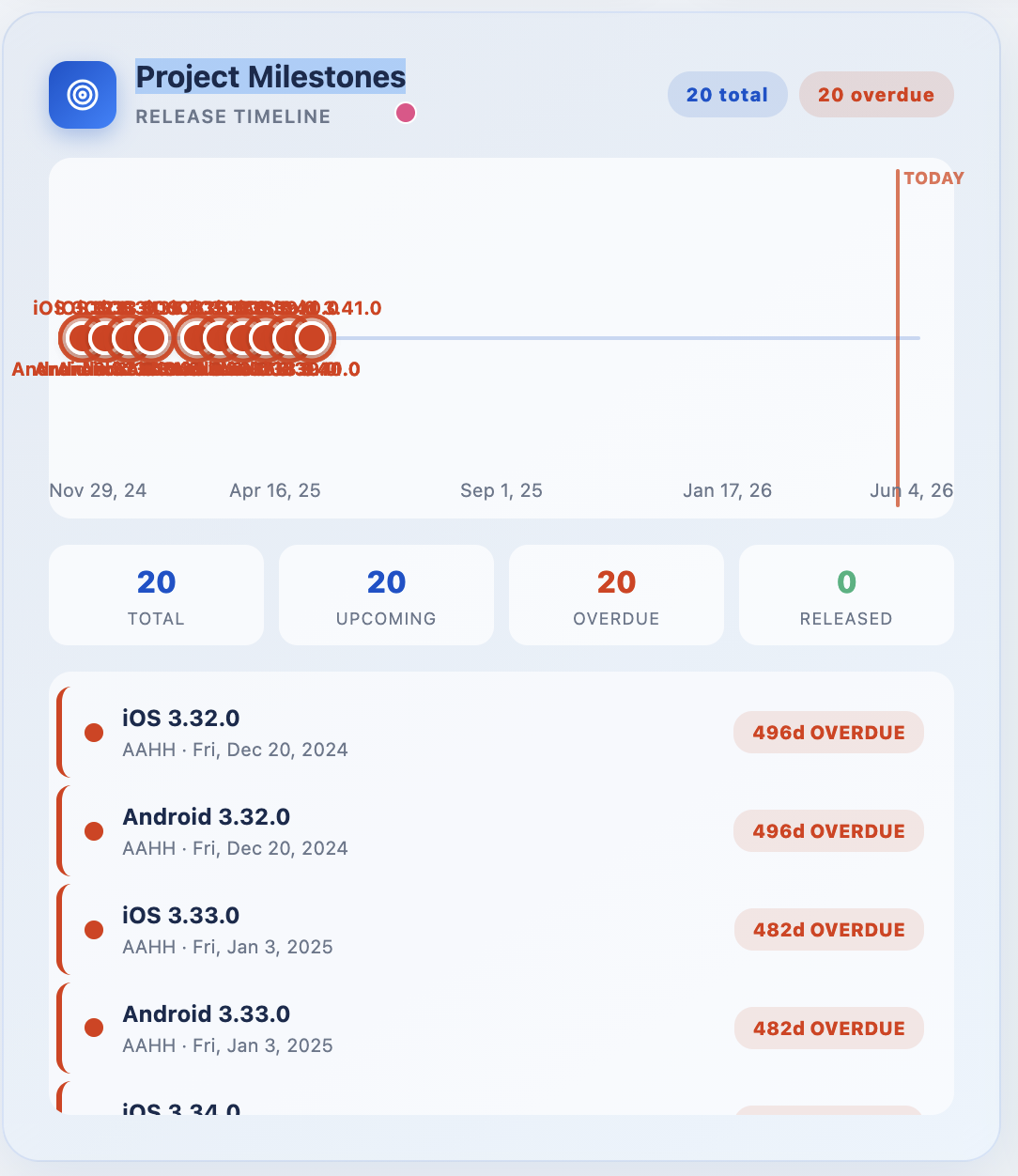
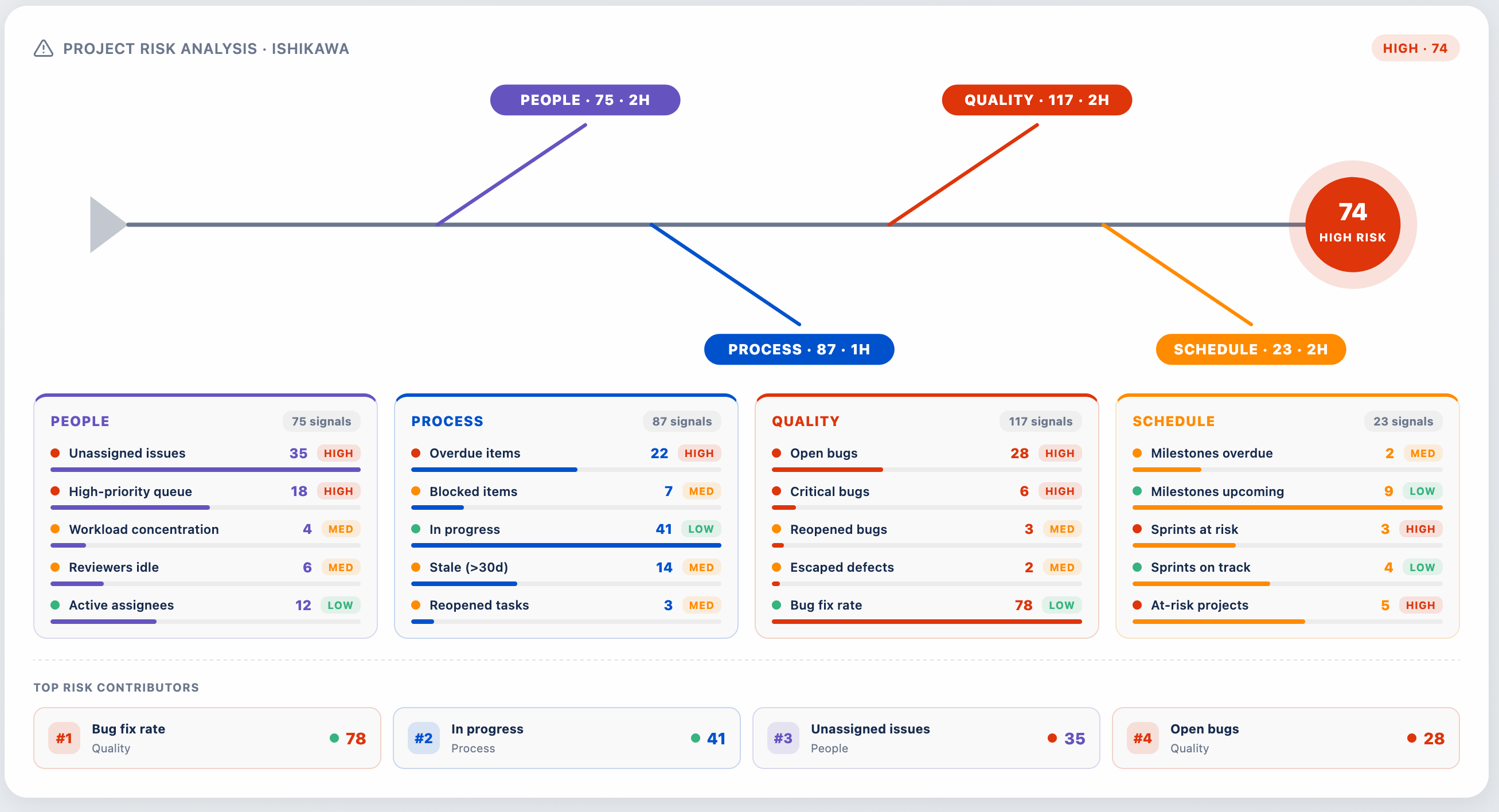
Risk Analysis
Ishikawa (fishbone) diagram for root cause and risk analysis.
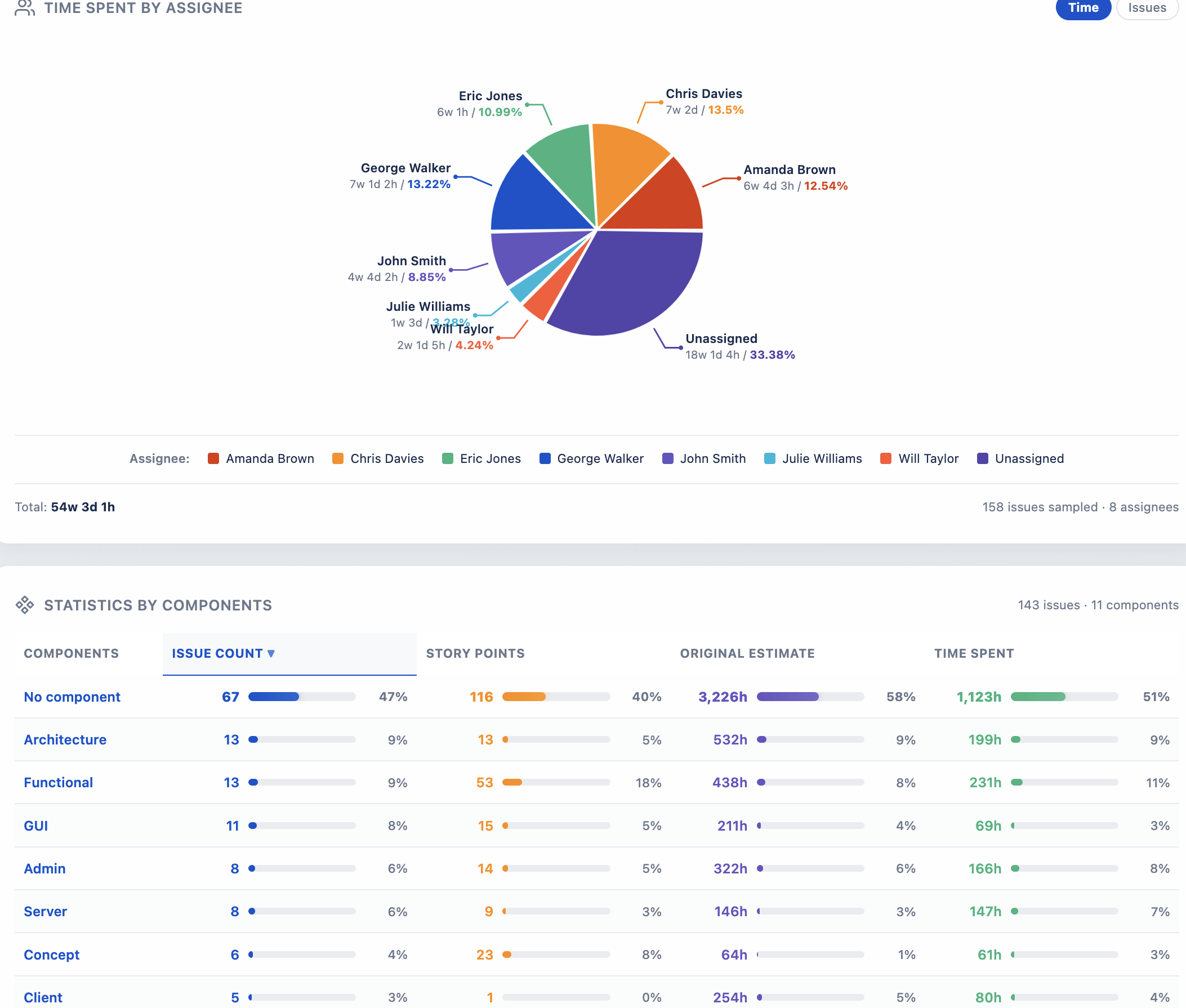
Time Tracking
Workload analysis showing time spent by assignee.
Themes & Demo Mode
Dark Theme
Click the moon/sun icon in the gadget header to toggle between light and dark themes.
Demo Mode
Demo Mode masks all sensitive data with placeholder values - perfect for presentations, board meetings, and public demos.
Permissions
| Permission | Purpose |
|---|---|
read:jira-work | Read issues to display statistics |
read:jira-user | Populate assignee filter |
read:sprint:jira-software | Sprint-based filtering |
read:project:jira | Project filter |